

Latest Version
广栋 莫
Security
iOS
$5.99
568266312
Report a Problem
More About iPassword Manager Security Review
A Hands-On Look at iPassword Manager Security
Managing digital credentials has become one of the most critical aspects of modern life. The iPassword Manager security application for iOS, developed by 广栋 莫, offers a robust, local-first solution to this everyday challenge. Instead of relying on cloud-heavy systems that may be vulnerable to remote exploits, this app prioritizes a highly secure, offline-focused architecture to keep your sensitive credentials safe on your iPhone or iPad.
When you first open the application, the emphasis on local control is immediately apparent. Because all protection mechanisms run strictly offline on your device, you retain total ownership of your databases. This design choice significantly reduces the risk of massive database leaks associated with centralized cloud storage platforms.
Key Features of the iPassword Manager Security App
- Military-Grade Encryption: The app utilizes offline AES 256-bit encryption to safeguard login details, credit card numbers, secure photos, and private account data.
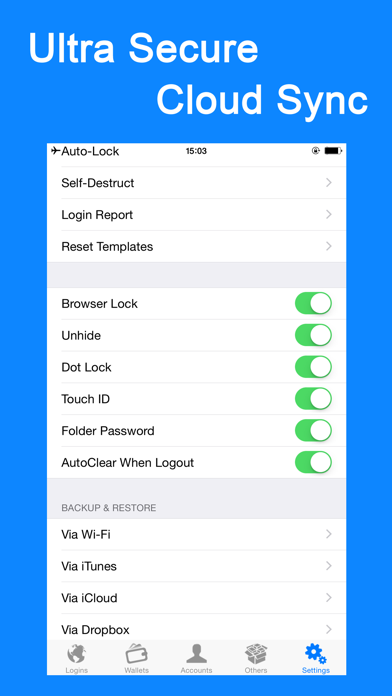
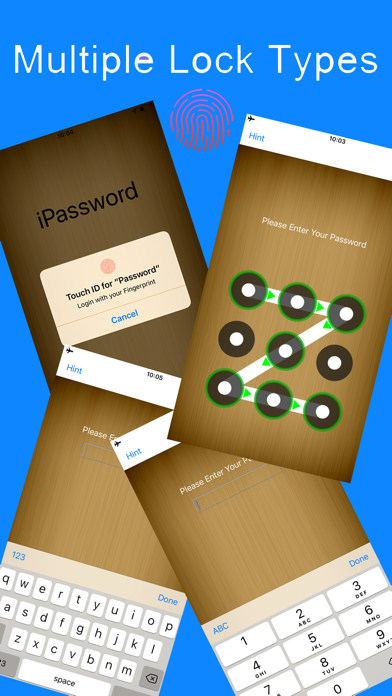
- Multi-Tiered Access Control: Users can secure their vault using standard Password Locks, Dot Locks, or biometric authentication via Touch ID.
- Granular Vault Locking: Beyond securing the main app, you can apply individual locks to specific folders, password fields, or the integrated browser.
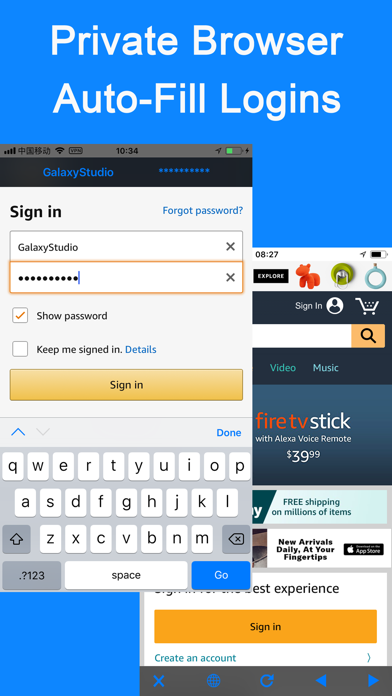
- Smart Web Integration: The built-in browser allows for quick, single-tap autofill functionality for saved credentials, eliminating manual copy-pasting.
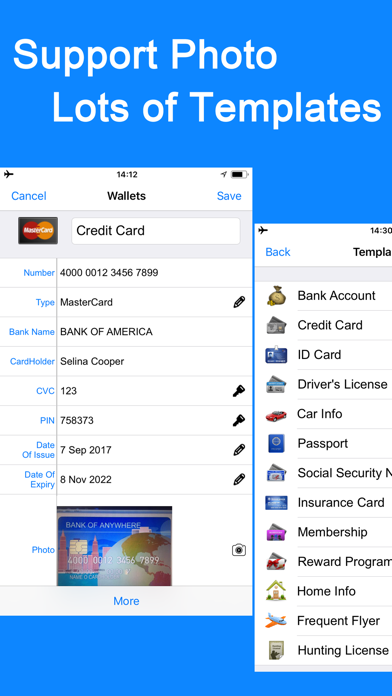
- Flexible Templates: With 60 standard templates and the option to build custom layouts with unlimited fields, organizing diverse data types is seamless.
- Proactive Intruder Detection: Features include an optional self-destruct trigger after multiple failed password attempts and detailed break-in reporting.
Who Is This Security Tool For?
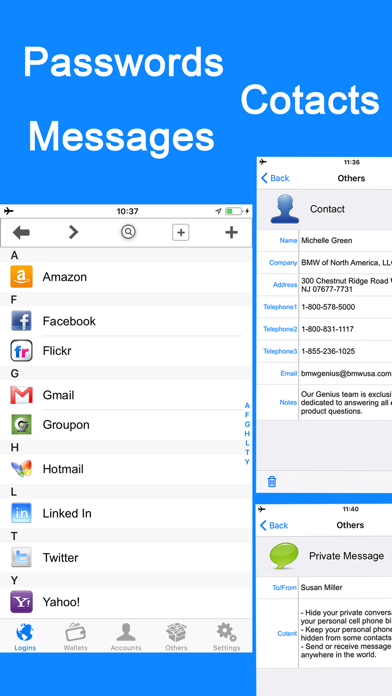
The iPassword Manager security tool is tailored specifically for iOS users who demand uncompromising privacy and prefer local data control over cloud-dependent services. If you want to store not just passwords but also secure photos, private notes, and credit card details under a single, highly encrypted local vault, this utility provides the necessary depth. Its advanced backup options via iCloud, Dropbox, Wi-Fi, or iTunes ensure that while your daily usage remains offline, you still have reliable pathways to recover your data if you switch devices.
Final Verdict
By blending offline-first architecture with convenient usability features like a built-in password generator and automated clipboard clearing, the app stands out as a reliable vault for iOS. To see if this utility fits your personal security workflow, head over to the official App Store to learn more and view its current availability.
Rate the App
User Reviews

Popular Apps










Editor's Choice